Backup Frequency vs Recovery Point Objective Alignment
Misaligned backup schedules hide millions in unrecovered data loss inside outage costs.
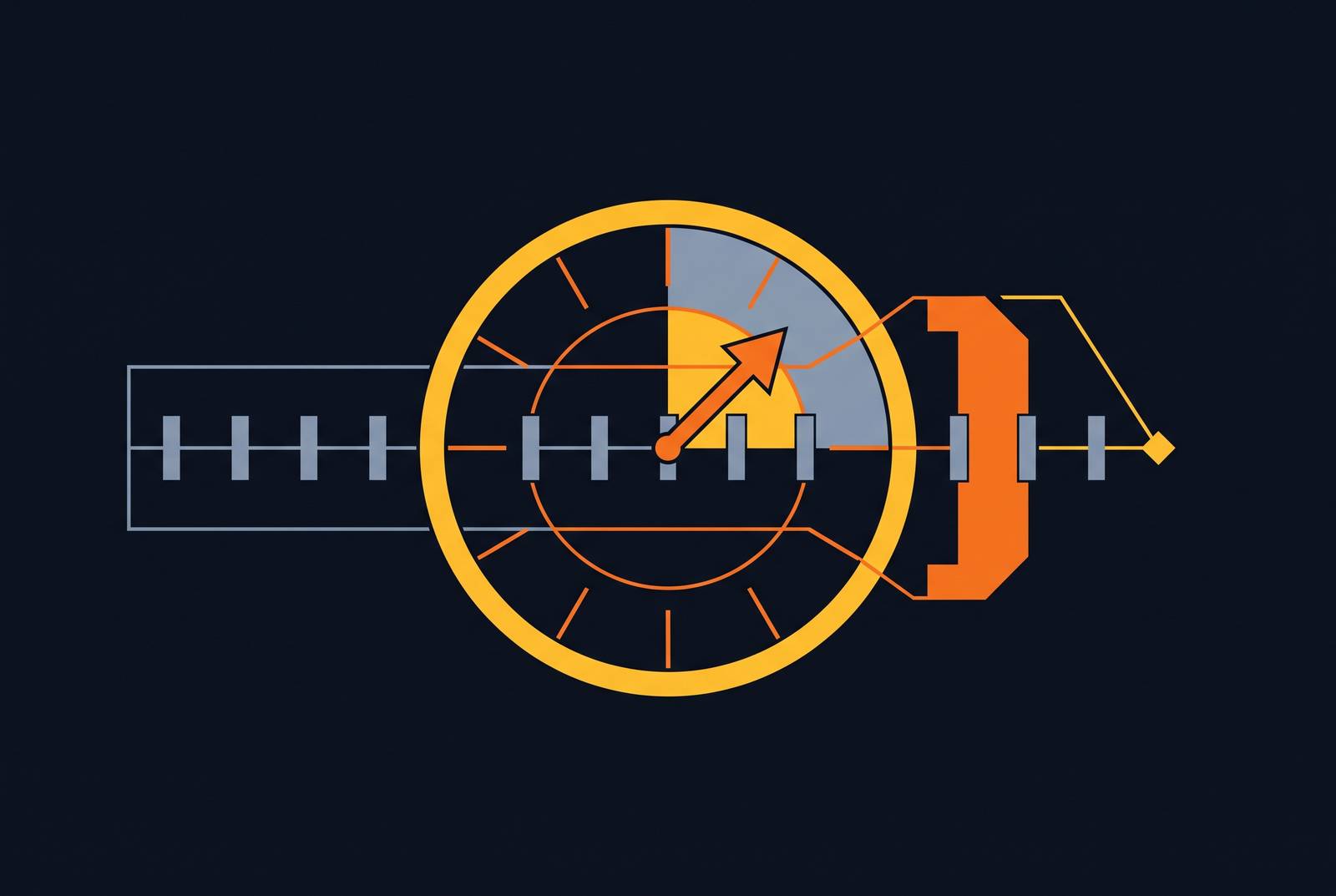
Backup frequency is the mechanical expression of a business decision, the Recovery Point Objective, translated into a schedule that either honors that decision or quietly betrays it. Most organizations treat the two as loosely related, when they are in fact the same commitment written in two different languages. Any gap between them is a business risk wearing an IT costume, and that gap is the entire subject of what follows.
Get the direction straight first, because this is where most confusion starts. RPO looks backward: from the moment a system fails, how far back do you have to reach to find a clean, usable copy of the data? RTO looks forward: how long until that system is back up and serving users? Conflate the two and you fix the wrong problem, buying faster restore tools when what you actually needed was more frequent, verified backups, or the reverse. A 4-hour RPO means a successful, verified, restorable backup exists no more than 4 hours old at any given moment; a calendar entry describing when backups run carries no such guarantee. An hourly job that takes 25 minutes to run and has never once been test-restored cannot deliver a 15-minute RPO no matter how the cron schedule reads. The infrastructure has to change to close that gap.
How much a misaligned RPO costs when a failure actually happens
Start with the number that makes finance departments sit up straight: PagerDuty's 2024 Customer Incidents Survey put average downtime cost at roughly $4,537 per minute, with a single major customer-facing outage reaching as much as $1.5 million in lost revenue.
Scale changes the shape of the number more than it changes the pain. Uptime Institute's 2024 Global Data Center Survey found that 20% of impactful outages cost more than $1 million. One in five. That's a risk profile no organization can plan around by hoping to land in the other four-fifths.
Here's the question those figures raise but don't answer on their own: how much of that loss came from the outage itself, and how much came from a backup schedule that simply couldn't cover the gap between the last clean copy and the moment things broke? Nobody itemizes that split on an invoice, but it's there. Every one of those totals contains hours of exposed, unrecoverable data that a tighter, properly verified backup interval could have compressed into minutes. The cost of misalignment is baked into the total, hiding inside a number executives already find alarming for other reasons.
Why organizations consistently fail to meet the RPO targets they set for themselves
Targets fail because nobody engineers against them after the planning meeting ends. Veeam's Data Protection Trends Report 2023 found 82% of organizations had what it called an Availability Gap, the distance between how fast systems need to come back and how fast IT can actually deliver that. Both numbers trace back to the same root cause: a figure gets written into a disaster recovery plan, everyone nods, and nobody checks whether the infrastructure underneath can actually hit it.
Gartner and BCM Institute research found that roughly 60% of organizations only discover their RPO and RTO targets were unachievable after an actual disaster hits, rather than during a tabletop exercise or a scheduled test. That's the worst possible moment to learn your numbers were fiction, and it's also the most predictable one, since nobody was checking beforehand.
A multi-sector study covering 284 organizations, published on ResearchGate, found significant gaps between stated RTO and RPO targets and actual achievement across every sector studied — no sector closed that gap entirely. Manufacturing came out worst, with an RTO overrun of 9.5 hours and an RPO overrun of 5.4 hours beyond what was promised. An RPO is a promise about a ceiling on data loss, and without testing, that ceiling behaves like drywall rather than concrete. It looks solid until someone leans on it.
How unmonitored backup failures silently widen the gap between scheduled and actual RPO
Picture a typical SMB environment running 20 to 50 backup jobs a day. At the industry-average job failure rate of 5% to 10%, somewhere between one and five of those jobs fail, every single day, as a baseline rather than an occasional bad-week occurrence.
The Friday overnight window is the classic case study in how this compounds. More than 1 in 10 backup jobs fails at the Friday 01:00 slot specifically. If a full backup fails at 2 a.m. Saturday and nobody notices until Monday morning, that's more than 50 hours of RPO exposure sitting unnoticed over a single weekend.
Monitoring gaps do more damage than schedule gaps, and almost nobody budgets for the difference. 85% of recovery servers have RPO monitoring completely disabled, with no automatic check confirming a recent backup even exists. The first signal that something's wrong arrives at the moment of failover, precisely when the newest clean copy is needed most, and instead the newest copy turns out to be days or weeks old.
Worth separating from outright failure: the "successful" failure. A job reports green, completes on schedule, logs no errors, and the data is still gone, because a new server was never enrolled in the job, or a folder sits outside the backup's defined scope, or a file was open and unsaved at the moment of the snapshot. The tool doesn't know what it doesn't know, and a green checkmark says nothing about whether the thing you needed is actually in there. The deeper fix is verifying that what already ran can actually be restored, which is a different engineering problem than simply running backups more often.
Why a single backup schedule applied across all systems is itself a form of misalignment
One schedule for every system is administratively tidy and operationally reckless, and here's where most organizations get the causality backward. Before setting any backup interval, a Business Impact Analysis has to map each system to the cost of losing an hour of its data, and that cost, not convenience, is what should set the RPO. The RPO then dictates the interval. Running it the other way around, picking a schedule first and calling whatever it produces the RPO, is exactly how organizations end up with the Veeam gaps described above.
A properly tiered structure tends to look something like this: mission-critical systems, financial transaction processors, production databases, need intervals around 15 minutes. Business-critical systems, email, ERP, CRM, can usually tolerate hourly backups. Standard systems, file servers, internal tools, are fine on a daily cadence. Static archives, completed projects, historical reference data, need only weekly or monthly protection.
Industry norms show how wide this range legitimately gets. Healthcare patient data typically needs an RPO under 15 minutes, while core banking systems often run extremely aggressive RPO targets, with RTO targets of 15 to 30 minutes for core systems, largely because regulators have strong opinions about how long a bank can sit dark. Standard tiering frameworks back this up structurally: high-impact systems call for mirrored environments and hot sites targeting an RPO in minutes, while moderate-impact systems can often run on shorter intervals with remote replication.
Skip the tiering and the costs stack up on both ends at once: budget burned protecting static archives nobody will touch again this decade, while the transaction database that actually matters sits under-protected on the same generic nightly job. That's a design failure worth naming directly, because money spent on the wrong tier is still money spent. It just isn't spent on anything useful.
How the choice of backup technology determines which RPOs are physically achievable
Technology sets the physical floor under whatever RPO gets promised on paper, and no scheduling adjustment moves that floor. The spectrum runs from traditional scheduled backups, through snapshot-plus-replication (often called near-CDP), to true Continuous Data Protection, and each tier from the section above maps onto a specific point along it.
Traditional scheduled backups have a hard mathematical limit: RPO can never be better than the backup window itself. A nightly job finishing at midnight means a noon failure the next day leaves up to 24 hours of data exposed, and that gap is structural. No amount of clever scheduling papers over it; the architecture itself sets the ceiling.
Snapshot-plus-replication occupies the practical middle ground, generally holding RPO well below hourly thresholds. That fits business-critical systems that can't justify the cost of full CDP but also can't stomach an hour of exposure. For most mid-market organizations, it's the sensible compromise tier, unglamorous but reliable.
True CDP writes every change as it happens, pushing the recovery point toward zero. It's the only architecture that can honestly meet the millisecond-level RPO norms of core banking or real-time transaction systems, and modern CDP platforms can push the recovery point toward near-zero for the systems that need it most. The constraint that closes this whole discussion is simple and unforgiving: if the backup process itself takes longer than the RPO window allows, no scheduling adjustment fixes that. The infrastructure tier has to move up the spectrum, at which point RPO stops being a line in a policy document and turns into a capital expenditure line item that finance has to sign off on.
How ransomware decouples backup frequency from usable RPO and what that demands of recovery design
Ransomware breaks the assumption underneath everything discussed so far: that a recent, frequent backup is automatically a usable one. Frequency and recency mean nothing if the most recent backups contain encrypted or corrupted data, because the malware got there first, quietly, before anyone noticed anything was wrong.
Here's the number that should reframe the whole conversation about ransomware readiness: Veeam's 2025 Ransomware Trends report found that among organizations attacked, only 10% recovered more than 90% of their data, while 57% recovered less than half. That's the widest the gap between "backup exists" and "backup is usable" ever gets, and it opens up exactly when organizations need it to hold together most.
CISA guidance sets a 24-to-72-hour window for critical-system recovery in cybersecurity incidents, considerably longer than most published RTO targets, because malware verification and security control validation eat time that has nothing to do with how fast a restore job actually runs. Even the fastest restore pipeline in the industry can still need two full days to confirm the copy about to go back online isn't itself infected.
Ransomware forces a hunt for a recovery point that predates infection by an unknown interval, one that might sit days or weeks behind the most recent backup rather than minutes. The architectural response involves immutable backup copies, air-gapped or offsite storage, and tools that let administrators curate which snapshot is actually safe to restore from, rather than defaulting to the newest one. Vendors have started embedding real-time entropy detection and malware scanning specifically to flag the cleanest recoverable point automatically. What that means practically is that RPO now has two dimensions instead of one: time since last backup, and confidence that the backup in question is actually clean. For any organization in a regulated sector, that convergence between backup architecture and incident response planning is the actual design brief, regardless of what the procurement spreadsheet implies.
How to calculate the backup frequency a given RPO actually requires, accounting for real-world overhead
Run the sequence in the right order: Business Impact Analysis first, then RPO, then required interval, then an infrastructure audit, then the adjusted schedule. Most teams run this backward, picking a schedule that feels reasonable and assuming it delivers whatever RPO gets quoted in the disaster recovery plan. Without doing the math, it doesn't. This is the single most common and most fixable error in the whole discipline.
The overhead calculation is straightforward once you know what to add up. Start with how long the backup job actually takes to complete, the real duration, not the estimate on the vendor datasheet. Add replication lag to wherever the copy is heading offsite or into cloud storage. Add the time verification or integrity checks require. Sum those three, and that sum is the buffer that has to come out of the stated RPO to find the maximum safe interval between backup starts.
Work through an example. A system carries a 1-hour RPO, and the backup job itself takes 20 minutes. Replication lag to the offsite target adds 10 minutes, and verification adds another 5. That's 35 minutes of overhead against a 60-minute target, leaving a usable interval of 25 minutes, well short of 60. The schedule needs to run more than twice as often as the RPO number on the page would suggest, a detail that gets missed whenever nobody actually adds up the overhead in the first place.
When the math doesn't close, meaning overhead eats more time than the RPO allows, there are exactly three legitimate responses: faster infrastructure, a different backup method further up the CDP spectrum, or a formal renegotiation of the RPO with the business stakeholders who set it. All three are valid answers. None of them can be skipped by hoping the numbers get friendlier on their own, because numbers don't work that way.
Monitoring belongs in this calculation too, not as an afterthought bolted on at the end. A schedule that produces the mathematically correct interval on paper still fails if nobody verifies that jobs are actually completing, and the earlier statistic about 85% of recovery servers running with RPO monitoring disabled bears repeating here. Those organizations are running on faith rather than an engineered system. RPO requirements aren't fixed once and forgotten, either: systems change, so a quarterly or semi-annual BIA refresh should trigger a re-derivation of the schedule, not just a confirmation that the old one still technically runs.
Testing backup schedules against RPO targets before a failure forces the test
Circle back to that 284-organization study: no sector met its own stated targets, in real events or simulated ones. Manufacturing's 5.4-hour RPO overrun wasn't a planning failure; the number already existed on paper, correctly derived, properly documented. It was a testing failure, the gap between the documented target and the operational reality that nobody bothered to measure until it was too late to matter.
A meaningful recovery test has to check things a basic "backup test" routinely skips. It needs a full restore into a genuinely clean environment, not just confirmation that a single file opens correctly. It needs to confirm the restore actually completes within the stated RTO window, under real conditions, not a best-case estimate run once by a vendor during a sales demo. It needs to confirm the restored data is current within the stated RPO window, verified against the actual timestamp of the last successful job rather than the scheduled time on the calendar, since those two numbers are not reliably the same thing, as the earlier section on silent failure made clear. And for ransomware scenarios specifically, it needs to restore from a point confirmed clean, not simply the most recent point available.
None of this is exotic. It's arithmetic, verification, and a testing habit most organizations already know they should have and quietly don't. The gap between a stated RPO and an achievable one doesn't announce itself with a warning label. It just sits there, growing slightly wider every day nobody checks, until the day checking is no longer optional.