RMM and Backup Platform Integration Requirements
Backup status must live inside the RMM's alerting system, not email.
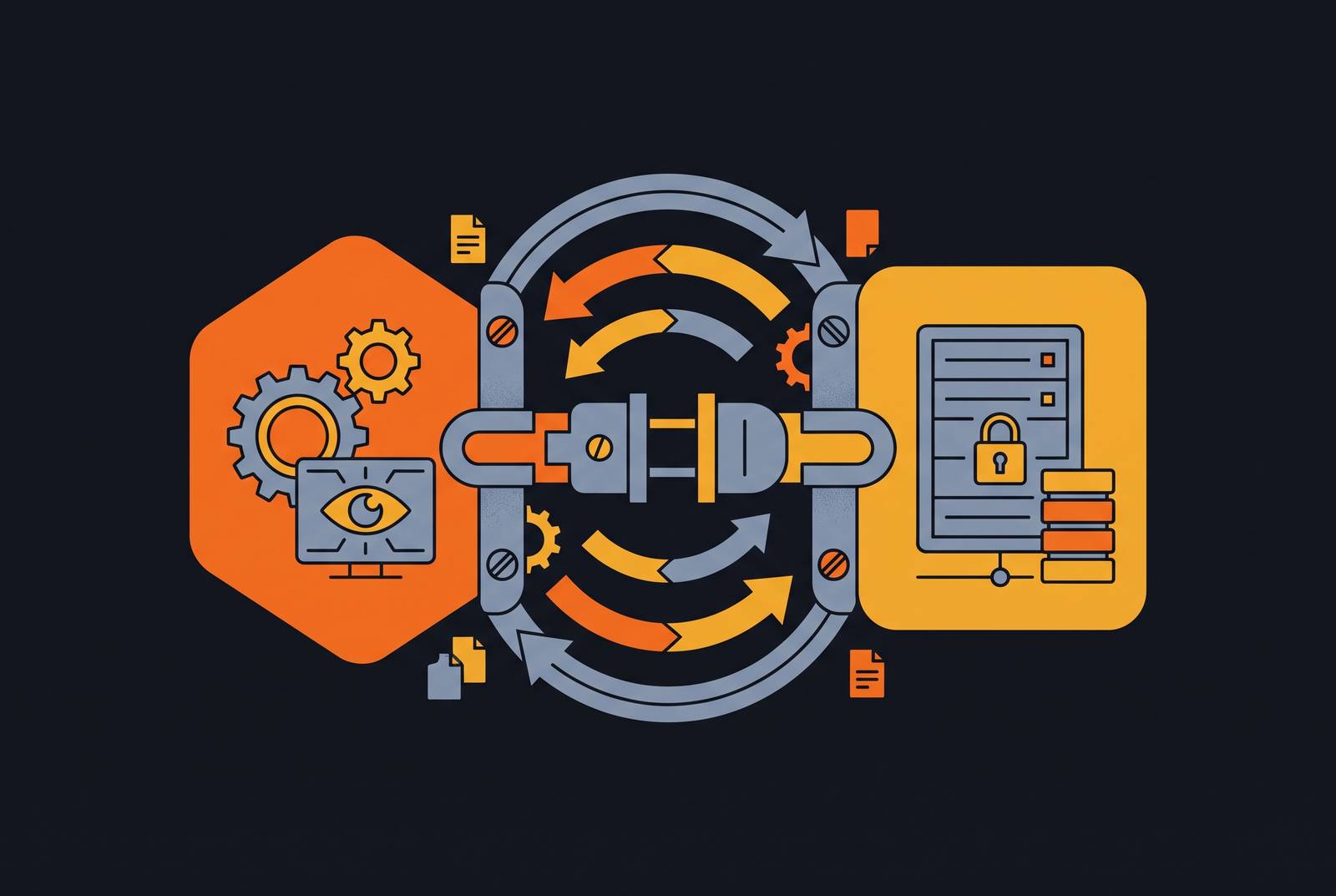
This article covers what it actually takes to integrate a backup platform with an RMM, and it argues that backup status has to live inside the RMM's own alerting and automation fabric, not in a separate email thread someone checks between tickets. Across managed service providers, the common habit is to open a mailbox each morning and scan for backup job notifications, but that's a manual audit, not a monitoring strategy. Keeping backup outside the RMM means a missed job sits quietly until a client calls asking for a restore, and by then the failure already happened days or weeks earlier. Ransomware groups have learned to exploit exactly this blind spot, targeting backup infrastructure early in an intrusion to eliminate recovery options before the victim even knows there's a problem, and the detail that matters operationally is that the RMM is the tool that gives technicians their first view of any incident. If backup health isn't part of that first view, the technician has to respond to an active threat without knowing whether recovery is even possible. Backup status needs to become a first-class signal inside the RMM, carried through the same alerting, ticketing, and automation that the team already relies on for everything else, and getting there takes meeting specific technical requirements beyond installing a plugin and calling it done.
What "integrated" means versus what vendors mean by it
Vendors stretch the word "integration" to cover a wide range of things, from a genuine API connection that pushes live backup job status into the RMM console, down to a button that opens the backup platform's own web portal in a new browser tab. The test that cuts through the marketing is simple: does backup data flow into the RMM's own data model, so that alerts, tickets, and reports treat a failed backup job the same way they'd treat a failed disk check or an offline agent? Or does the technician still have to leave the RMM, log into a second system, and check backup status by hand?
Datto RMM's own API documentation shows what a partial integration looks like in practice. So a tool built on top of this API can't write tickets or change alert states on its own. What it can do is trigger remediation automatically through the quickjob write endpoint, which runs a script component directly on a device. So the integration is genuinely useful for triggering a fix, but it still leaves ticketing and alert-state management as manual work. Reading an API's documented constraints this closely matters, because a vendor can advertise "integration" accurately while leaving out which half of the workflow still depends on a human doing it by hand.
Alert routing: how backup failures reach the right person at the right time
Alerting is the first place a shallow integration shows its limits. A backup failure has to generate a structured alert inside the RMM itself, not an email sent to a shared mailbox, so that it lands in the same triage queue as every other condition the team already monitors. Getting that right takes more than a single alert rule. Suppression rules have to tell a planned maintenance window apart from an unexpected outage, so technicians aren't trained to treat real failures as background noise. Escalation paths matter too: an alert that sits unacknowledged past a defined window should move automatically to a senior technician or trigger an on-call notification, rather than aging quietly in a queue nobody is watching. Deduplication closes the last gap: if a backup platform fires several notifications for one failed job, it will flood the queue and teach technicians to tune backup alerts out.
Email parsing as a substitute for structured alerting is fragile in a specific way: it doesn't break loudly. When RMM platforms support condition-based auto-remediation, so a stopped service or a missed backup triggers a predefined workflow instead of waiting on a human to spot the alert, they start to close the distance between detection and actual response. Once that happens, alerting gives way to automation closing the gap between detection and response.
Automation requirements: from alert to remediation without manual handoffs
An alert that creates a ticket is an improvement over an email, but if a technician still has to manually investigate, diagnose, and retry every failed job, the stack hasn't reached the operational standard a properly integrated system should hit. Automation has to carry several specific jobs on its own. Ticket creation should happen automatically, with the backup failure spawning a ticket in the PSA that already has client context, job details, and a failure reason filled in, with no manual data entry required. Known failure types, an agent that's gone offline, a network timeout, a disk running out of space, should trigger a conditional remediation script that attempts a fix before anything escalates to a person. Failed jobs should retry automatically after a configurable interval, with the ticket updated to reflect whatever happened.
Scheduled restore verification deserves particular attention, because it does something the other automation pieces don't: it produces a record that a backup isn't just completing, but is actually recoverable. That distinction, between a job that finishes and a backup that restores cleanly, is what the 3-2-1-1-0 standard's zero-error verification requirement is built around, and automation is the only way to make that kind of verification feasible at any real scale. There's a legitimate objection to pushing automation this far: tightly automated remediation carries its own risk, since an automated retry that keeps hammering a storage target already under load can make a bad situation worse. Building automation with limits, retry caps, backoff intervals between attempts, and automatic escalation to a human after a set number of failures, configured per client rather than applied as one global rule, addresses the risk.
Reporting requirements: making backup health visible to technicians and clients
Reporting turns backup health from something the team reacts to in the moment into something documented over time. Job outcomes, success rates, and restore test results need to show up in the same reporting layer the MSP already uses for everything else, instead of a separate backup console with its own login and its own PDF export. In practice, that means per-client backup health dashboards that can be filtered by job type, time range, and outcome, built directly into the RMM. It means you get exception reporting at the technician or manager level, a single view of every client with a failed or missed backup job recently, instead of having to click through every individual client dashboard looking for problems. And it means restore verification logs appear in the report alongside job completion status, because a backup that completes but has never had its restore tested isn't a verified backup in any meaningful sense.
Syncro's release notes show where this is heading: the platform added enhanced patch compliance reporting inside its custom report builders, extending granular patching data into the same reporting tool MSPs already use. The principle that illustrates is straightforward. Whatever reporting infrastructure already covers patch compliance should cover backup compliance too, using the same builder and the same export formats, rather than maintaining two separate reporting systems for two categories of the same underlying question: are the controls we claim to have in place actually in place. That question is also what makes reporting the foundation for the compliance argument that follows.
Compliance and insurance evidence: why backup reporting must be audit-ready
Cyber insurance underwriting has shifted away from checkbox attestation, where an MSP could simply state that backups exist, toward verified evidence, where the MSP has to produce exports, screenshots, and reports from its own toolset showing the controls actually function. Immutable, restore-tested backups now rank among the non-negotiable requirements for coverage eligibility in current underwriting reviews, and the requirement is satisfied only by documented evidence that restores have actually been tested and that they worked.
That shifts specific obligations onto the integration itself. Backup reports need to export in formats an underwriter or auditor will accept, not stay locked inside a vendor portal that only the MSP's own staff can log into. An MSP whose RMM-backup integration generates audit-ready evidence automatically holds a real structural advantage over one where staff have to manually compile screenshots and reports before every renewal conversation. That advantage extends further than insurance paperwork. The same underwriting pressure that demands evidence of working restores is starting to demand evidence of where backup data lives and who can reach it, and that turns data residency and access control into an integration requirement in its own right.
Data residency, access control, and the security surface of the integration itself
The connection between an RMM and a backup platform is itself a privileged pathway, and it has to be treated that way. Any credential or token that can read backup status, trigger a restore, or reach backup data directly needs the same protection as any other administrative credential in the stack. The stakes here are concrete rather than abstract: ransomware groups target backup infrastructure early in an intrusion precisely because destroying recovery copies increases the pressure on a victim to pay. An RMM-backup integration that stores credentials in plaintext, or that uses API scopes broader than the workflow actually needs, turns a compromised RMM into a direct path to the backup infrastructure itself.
Several specific controls follow from that. And the credential used to manage backups should be kept separate from the general RMM admin credential, so that a single compromised technician account doesn't hand an attacker the keys to backup infrastructure as a side effect.
During compliance reviews, MSPs are increasingly asked to document exactly where backup data resides and who can access it, and because vendor answers to those questions are often vague or incomplete, the MSP has to fill in the gap itself. That means the MSP has to understand the data flow of its own integration well enough to answer those questions directly, rather than relying on a vendor's marketing page to answer them on its behalf.
Workflow continuity: how the integration behaves when either platform has an outage
The real test of an integration is what happens when the connection between the RMM and the backup platform breaks. An integration that goes silent when the backup platform is unreachable, showing no alerts at all, is dangerous in a specific way: the technician sees a clean dashboard and assumes backups are running fine, when the actual truth is that the monitoring connection itself has failed.
A properly built integration treats that as a distinct condition. The RMM needs to tell "backup job succeeded" apart from "backup job failed," and both of those apart from "backup status unknown, connection to backup platform lost," with an alert firing on that third state. Graceful degradation matters too: when the backup platform enters a scheduled maintenance window, the RMM should suppress the expected-absence alerts that window produces, but it needs to stop suppressing them the moment the window closes, so a genuine failure right after maintenance doesn't get swallowed by the same rule.
So vendor concentration becomes a real trade-off you have to weigh here. An MSP running both backup and RMM from the same vendor faces a compounding failure when that platform goes down: monitoring slows, ticket workflows stall, and backup visibility disappears at precisely the moment it matters most. Multi-vendor stacks built on well-documented APIs, with independent health monitoring for each integration, tend to hold up better against a single vendor's outage. That resilience doesn't come free. It takes more deliberate design work to build and maintain than a single-vendor setup does, and an MSP choosing between the two is choosing between simplicity and independence, not between a right answer and a wrong one.
SaaS and Microsoft 365 backup as a distinct integration requirement
Microsoft 365 backup is a separate problem from endpoint backup, and standard endpoint integration doesn't cover it. Microsoft 365 is becoming more central to how clients actually work, including content that Copilot generates and edits directly inside Word and other Microsoft 365 apps, so the distance between what Microsoft's native tools protect and what a third-party backup actually covers keeps growing. Microsoft's own version history, retention policies, and recycle bins weren't built to produce backups that can be recovered independently of the Microsoft 365 environment itself, and they don't protect against data that gets overwritten or corrupted through user action or automated processes, including the kind Copilot now performs directly inside documents.
Bringing M365 backup into the RMM properly means meeting a few specific requirements. Job status for M365 backups needs to show up in the same alert and reporting layer as endpoint backup, not in a separate SaaS backup console with its own login. Coverage visibility needs to go down to the level of individual mailboxes, SharePoint sites, and Teams environments, so the MSP can say precisely which are covered and which aren't, instead of offering a vague assurance that "M365 is backed up." Restore test logging needs to apply to M365 data specifically, not just a record that the backup job completed.
Syncro's approach to this points at one way the market is responding: the platform launched integrated Microsoft 365 and Entra ID Cloud Backup priced per user, per month, under a fair-use policy, folding M365 backup directly into the RMM's own pricing model rather than selling it as a separate product bolted on afterward. Collapsing the integration into a single platform like that removes a layer of complexity an MSP would otherwise have to manage on its own, by making M365 backup a native part of the same system handling everything else.